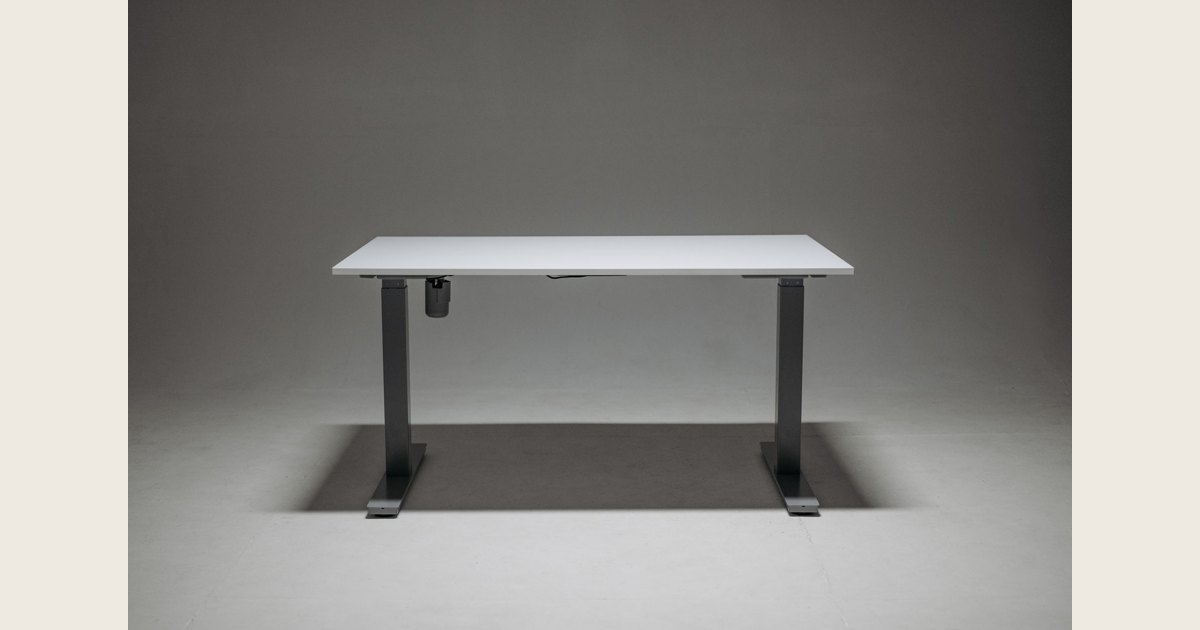
A manual-crank adjustable desk moves when you turn a handle; an electric adjustable desk uses a powered control. Choose manual if you are comfortable cranking the desk and want to adjust it without an outlet. Choose electric if you value button-controlled movement or model-specific saved heights. Neither mechanism is automatically a better fit: check the actual surface height, load rating, and control options for the exact desk you plan to configure.
This comparison uses manufacturer specifications and practical fit checks, not hands-on product testing.
Key Takeaways
- Manual cranks avoid powered height controls, but every adjustment takes a turn of the handle.
- Electric controls reduce the physical work of raising or lowering a desk; saved-height presets are an optional, model-specific feature.
- Compare the configured desk’s surface-height range, desktop, weight limit, warranty, and total cost—not just its lift type.
Cover photo: Pavel Danilyuk on Pexels (Pexels License); resized and padded. Illustrative stock photo, not product testing.
Manual vs. electric adjustable desks at a glance
| What to compare | Manual crank | Electric |
|---|---|---|
| How it moves | You turn a hand crank to raise or lower the surface. | A motor moves the surface when you use a control. |
| Effort and repeat settings | You do the cranking; a saved-height control is not part of the basic manual mechanism. | Keypad behavior varies. Some require continuous pressure; some offer saved heights. |
| Power | No outlet is needed to turn a manual crank. | Needs power for height adjustment; plan for a safe cord path. |
| Best fit | You adjust occasionally, prefer a non-powered lift, and are comfortable operating the crank. | You want button control, expect to change heights more often, or need user-specific presets on a model that offers them. |
| What to verify | Full height range, crank access, desktop fit, load rating, and warranty. | Height range, keypad type, presets, cable slack, load rating, and warranty. |
The specifications are model examples, not universal differences. VIVO lists its DESK-V101M manual frame with a 27.8–46.5-inch adjustment range, a 132-pound capacity, and a three-year warranty; it is a frame only, so the desktop is separate. UPLIFT’s current V3 desk listing gives a 22.6–48.7-inch range and describes basic keypads as continuous-touch, while advanced options can move to saved heights. Ask each manufacturer how the listed range is measured and what is included in the configured product.
Check the fit before you choose a lift
Start by measuring the height you need at the top of the work surface, both seated and standing. Set up your chair and keyboard as you normally would, then note the surface height where your shoulders can stay relaxed and you can reach the keyboard without leaning. When standing, check that the work surface and screen are comfortable to use without hunching or reaching. These are practical fit checks, not a promise that standing or a certain desk height will treat pain or prevent a condition.
Compare your measurements with the minimum and maximum heights for the exact model, desktop, and accessories. A frame-only range may not describe the final surface height once a top is attached, so ask the seller how the measurement is defined. For workers using display-screen equipment daily as part of their normal work, continuously for an hour or more, the UK Health and Safety Executive says employers must assess the workstation. It says to consider the whole workstation—including equipment, furniture, and work conditions—the job, and any special user requirements (HSE workstation-assessment guidance). This is UK employer guidance, not a desk rating; for your purchase, assess the complete setup rather than the lift alone.
If you need help taking the measurements, use our guide to finding a standing-desk height that fits. If the desk’s lowest position is too high for seated work—or its top position is too low for standing—choose a different range rather than assuming a control feature will solve the mismatch.
What does adjustment feel like during a workday?
A manual desk makes sense when turning a crank feels manageable and you do not mind doing it each time you change height. If possible, try a display model from low to high and check whether the crank remains easy to reach with your chair, drawers, or storage in place.
An electric desk replaces cranking with a button or keypad. Do not assume every electric model has memory: UPLIFT says its basic keypad needs continuous pressure, while advanced options offer one-touch movement to saved heights. Verify which controller is included or priced into your configuration; presets cannot compensate for a range that does not fit the user.
Electric desks also need a reachable outlet and enough slack in monitor, computer, and accessory cables for the desk’s full travel. Keep cords clear of moving parts and feet. A manual crank avoids power for the lift, though any plugged-in equipment on the desk still needs its own cable plan.
Compare the full cost, warranty, and repair path
Compare like with like: a frame-only price is not the price of a ready-to-use desk. When checked on November 2, 2026, VIVO listed the DESK-V101M frame at $139.99 and said the tabletop must be purchased separately. UPLIFT displayed its V3 desk at $599. These are different configurations, not a fair price ranking; tops, options, shipping, sales, and taxes can change the total. Recheck current listings and compare the same desktop size and included controls.
Warranty length is also model-specific. The VIVO frame page lists three years. UPLIFT advertises a 15-year warranty for the V3 desk and most accessories, while directing customers to its warranty policy for details and exceptions. Those terms do not prove how long either desk will last. Before buying, check what is covered—frame, motor, controls, electronics, and desktop—and whether parts, labor, or shipping are treated differently.
Finally, add the weight of the desktop, monitors, monitor arms, and other equipment, then compare it with the manufacturer’s load rating. VIVO lists 132 pounds for its manual frame; confirm what that rating includes. Ask whether the manufacturer sells replacement parts such as a crank, handset, control box, or motor, and how service works after the warranty. Fewer powered parts do not guarantee that any particular desk will be easier or cheaper to repair.
Is a desk converter enough?

If you only need to raise a laptop or monitor, a desk riser or converter raises equipment on the desktop rather than changing the height of the entire desk. It is a different setup, with its own space and fit trade-offs.
A quick checklist before buying
- Measure both working positions. Record the height from the floor to the surface you need, then ask whether the listed range includes the desktop.
- Test the control. On a crank model, try the handle through a useful part of its range and check access. On an electric model, confirm whether the keypad is hold-to-move or has presets, and check what is included.
- Confirm fit, load, and stability. Verify tabletop dimensions and compatibility, legroom, and the manufacturer’s weight limit for your planned equipment. If you can, check for wobble at the standing height you expect to use, with your usual equipment in place; load capacity alone does not tell you how stable the desk feels.
- Plan the room. For an electric desk, locate the outlet and check that cords will not snag as the surface moves. For either type, make sure drawers and nearby furniture will not block travel.
- Read the ownership terms. Compare total configured cost, return rules, warranty coverage, and availability of service or replacement parts.
If a desk will not lower far enough, confirm the tabletop measurement and the model’s minimum height before buying; a memory preset cannot extend the range. If an electric desk you already own stops responding, do not force the frame—identify its make and model and follow that manufacturer’s reset instructions. Our guide to unlocking a standing desk covers common control-panel lock issues.
Frequently asked questions
Do all electric adjustable desks have memory presets?
No. Presets depend on the controller. Some keypads move only while a button is held; selected models save heights. Verify the exact control included.
Is a manual crank desk more reliable?
A crank avoids powered lift controls, but that alone does not establish lifespan or repairability. Check the model’s warranty and parts support.
Does the listed height range include the desktop?
It depends on the product and measurement. Ask for the finished surface-height range with your selected top and accessories.
Bottom line
First match the finished surface range to your seated and standing positions. Then choose manual for a non-powered crank you can comfortably operate, or electric for button control and any specific preset feature you want. Before comparing prices, confirm what the configuration includes, its load rating, warranty, and cord plan.